
For years, “cloud storage” has been shorthand for Google Drive, Dropbox, iCloud, or OneDrive. But as subscription costs creep up and privacy concerns grow, more people are actively searching for cloud storage alternatives—and even full alternatives to cloud storage such as NAS and self‑hosting.
This guide walks through the main categories of alternatives, concrete tools in each category, and the trade‑offs you should think about before moving your files.
Why People Look for Alternatives to Cloud Storage
Users usually start exploring alternatives for a few predictable reasons:
- Rising subscription costs: Paying monthly for multiple terabytes quickly adds up, especially for families and small teams.
- Privacy and jurisdiction: Some users want end‑to‑end encryption or data stored outside the US, e.g., in Switzerland or the EU.
- Vendor lock‑in: Moving tens or hundreds of gigabytes out of a single provider can be slow and expensive.
- Control and sovereignty: Technical users and businesses sometimes want their data on their own hardware, not in a hyperscaler’s data center.
The good news: you don’t have to choose between “Google Drive or nothing.” In 2026 there’s a full spectrum from encrypted cloud services to NAS and fully self‑hosted stacks.
Two Big Buckets of Cloud Storage Alternatives
At a high level, your options fall into two groups:
- Alternative cloud storage services – still “cloud,” but with different pricing, features, or privacy models.
- Alternatives to cloud storage entirely – local or self‑hosted approaches like NAS devices, external drives, or Nextcloud.
We’ll cover both, with examples and a comparison table.
Popular Alternative Cloud Storage Providers
These services keep the convenience of the cloud (remote access, sync, sharing) but change the economics or privacy model.
Proton Drive – Privacy‑First Cloud Storage
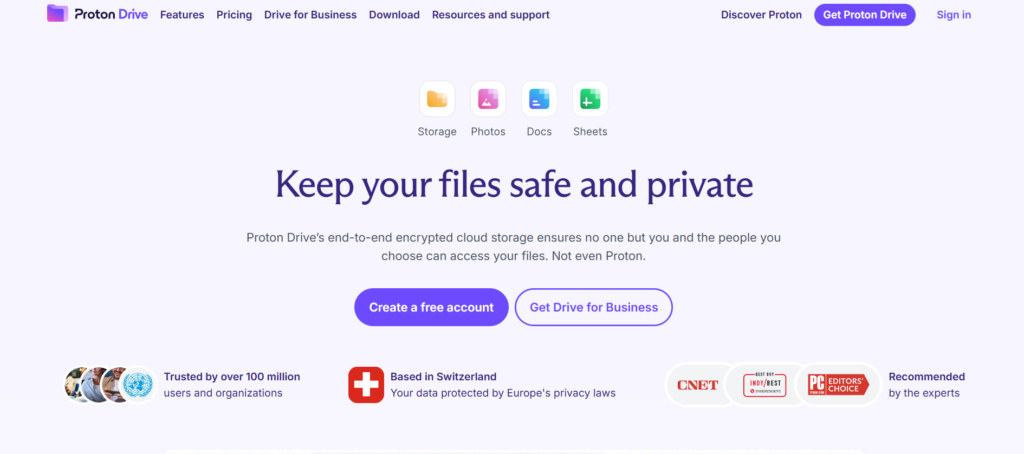
What it is: Proton Drive is a cloud storage service from Proton (the company behind Proton Mail), built around end‑to‑end encryption and strong privacy laws in Switzerland.
Key points:
- End‑to‑end encryption; even Proton can’t read your files.
- Hosted in Switzerland; compliant with strict European privacy rules.
- Free tier around 1–5 GB, with paid plans starting near 3.99 USD/month for 200 GB according to recent guides.
Best for: Users who want a Dropbox/Drive‑style experience but are willing to trade some collaboration features for maximum privacy.
pCloud – Lifetime Plans and Optional Client‑Side Encryption
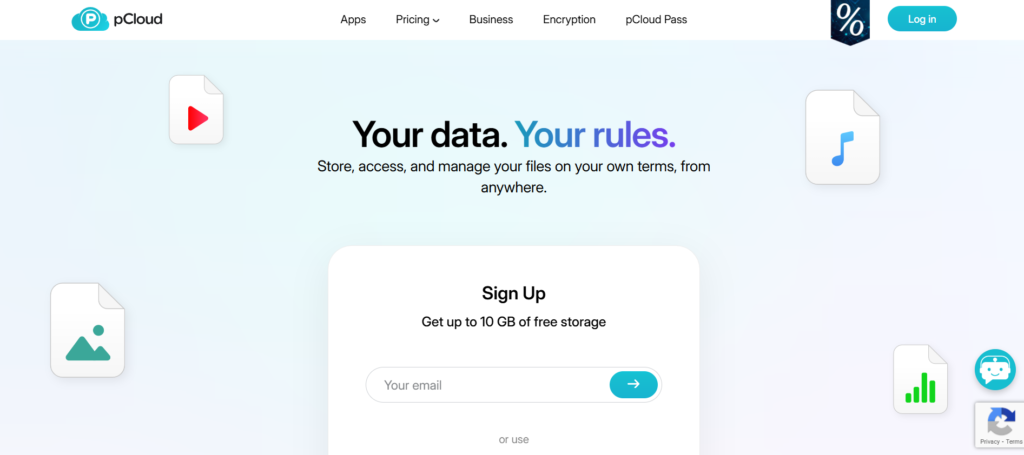
What it is: pCloud is a Swiss‑based cloud storage provider known for “pay once, use forever” lifetime plans and an optional client‑side encryption add‑on called pCloud Crypto.
Key points:
- Up to 10 GB free storage on the free tier.
- Subscription and lifetime plans (e.g., guides cite 500 GB from about 49.99 USD/year or 199 USD lifetime; 2 TB lifetime from around 369 USD).
- Optional end‑to‑end encryption add‑on (pCloud Encryption) as a one‑time extra.
- Headquartered in Switzerland, with data centers in the EU and US.
Best for: People who hate ongoing subscriptions and want strong privacy options without self‑hosting.
Sync.com and MEGA – Zero‑Knowledge and Big Free Tiers
Recent comparison articles consistently mention Sync.com and MEGA as leading options when you want more privacy or more free space than Google Drive offers.
Sync.com:
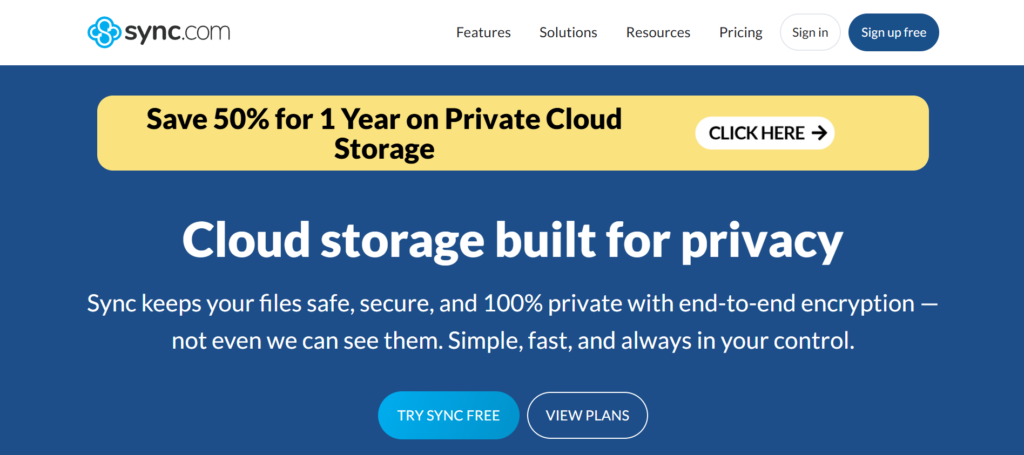
- Zero‑knowledge encryption; the provider can’t see your data.
- Around 5 GB free and paid plans starting near 8 USD/month in 2026 budget comparisons.
- Good fit for small businesses that handle sensitive client data.
MEGA:
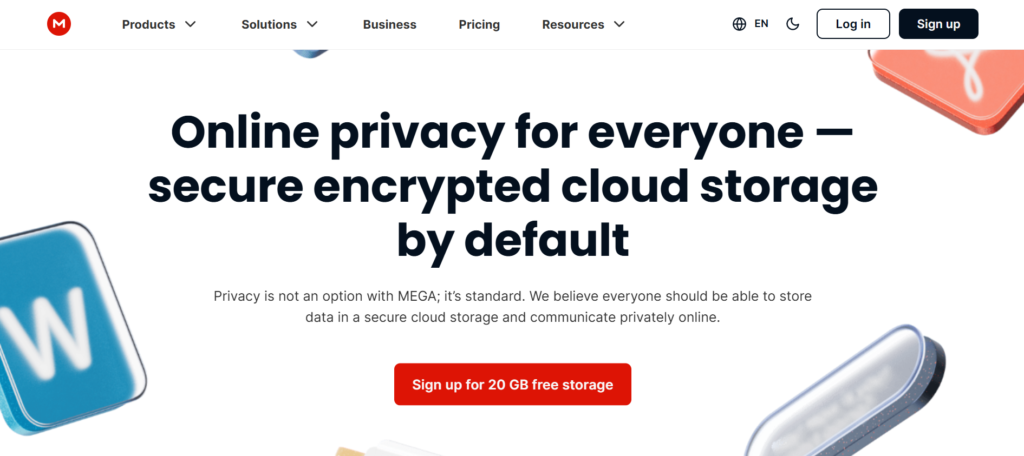
- Very generous free tier, typically 20 GB, with strong encryption.
- Paid plans around 5 USD/month in recent budget‑friendly roundups.
- Often used for large personal media libraries due to the free capacity.
IDrive – Backup‑First Alternative to Cloud Storage Drives
IDrive is often recommended as an “all‑in‑one” alternative: it combines backup and cloud storage plus document editing tools.
Key points:
- Can automatically back up multiple devices, external drives, NAS, and even other cloud accounts like Google Workspace and Microsoft 365.
- Plans cited in recent reviews start around 9.95 USD/month for 5 TB, with smaller “Mini” plans and large tiers up to 100 TB.
- Includes browser‑based editing of documents as a Microsoft 365 alternative.
Best for: Users who care more about reliable backup and multi‑device protection than real‑time collaboration in Google Docs.
Object Storage Options: Backblaze B2 and Wasabi
If you’re comfortable with a slightly more technical setup (or you use backup software), object storage platforms like Backblaze B2 and Wasabi can be far cheaper per terabyte than consumer cloud drives.
Backblaze B2:
- Around 0.005 USD/GB/month (about 5 USD/TB/month) for storage.
- Download (egress) around 0.001 USD/GB.
- Commonly used behind backup tools or NAS devices.
Wasabi:
- Flat pricing around 5.99 USD per TB per month, with no egress or API request fees according to 2025 pricing guides.
- S3‑compatible API; works with many backup and sync tools.
Best for: Power users and businesses comfortable connecting backup software or a NAS to a low‑cost cloud backend.
Quick Comparison: Representative Cloud Storage Alternatives
Note: Pricing and product information correct as of March 19, 2026, and subject to change.
*Representative figures from the recent 2025–2026 pricing guides.
True Alternatives to Cloud Storage: NAS, Self‑Hosting, and Local Drives
If your real question is “How do I avoid the cloud entirely?”, you’re looking for alternatives to cloud storage such as NAS devices, self‑hosted software, and external drives.
Network‑Attached Storage (NAS): Your Own Private “Cloud”
A NAS is a small box with hard drives that sits on your network and exposes shared folders or a web interface. Popular vendors include Synology, QNAP, and Asustor.
Recent buying guides highlight:
- Synology and QNAP are consistently recommended for home offices and small businesses.
- Devices like the Synology BeeStation are sold specifically as “personal cloud storage” with remote access but no monthly fees.
Pros:
- One‑time hardware cost, then effectively “free” storage beyond electricity and occasional drive replacements.
- Full control over data location and configuration.
- Can sync with or back up to services like Backblaze or Wasabi for offsite protection.
Cons:
- Upfront cost can be significant.
- Requires basic networking and backup knowledge.
- You become responsible for uptime, security, and hardware failures.
Nextcloud: Self‑Hosted “Cloud Storage” and Collaboration
Nextcloud is an open‑source platform that effectively lets you recreate something like Google Drive or Microsoft 365 on your own server.
Guides describe it as:
- A self‑hosted alternative to Google Workspace: file sync, calendars, contacts, video calls, and collaborative editing.
- Free software—you only pay for the server or hosting (or an enterprise subscription if you want support).
- Offering end‑to‑end encryption and complete data sovereignty.
Best for: Developers and organizations comfortable running Linux servers who want “cloud features” without a third‑party provider owning the data.
External Hard Drives and SSDs: The Old‑School Alternative
Budget‑focused guides still list external HDDs/SSDs as a valid alternative when you just need offline backups.
Pros:
- Very low cost per TB compared with most subscription services.
- Full offline control; not exposed to internet attacks when disconnected.
Cons:
- No automatic offsite backup unless you rotate drives to another location.
- Easy to forget to plug in and run backups.
- Drives can fail; you need at least two copies for safety.
Strategic Combinations: Hybrid Approaches
For many users, the best answer isn’t “cloud or local” but “cloud and local.” Common hybrid patterns include:
- NAS at home + Backblaze B2/Wasabi offsite: NAS mirrors your active files; object storage keeps a cheap, encrypted offsite copy.
- Privacy cloud + mainstream collaboration: Store sensitive archives in Proton Drive, Sync.com, or pCloud, but still use Google Drive or OneDrive for shared docs.
- External drives + occasional cold cloud backup: Keep regular backups locally; once a quarter, upload encrypted snapshots to cheap cold storage.
This lets you reduce subscription spend while still keeping a disaster‑ready copy of your data.
How to Choose the Right Cloud Storage Alternative
When you weigh cloud storage alternatives, ask a few practical questions rather than just scanning feature lists:
- What’s my real problem?
- Cost? Look at pCloud lifetime plans, Backblaze B2, and Wasabi.
- Privacy? Proton Drive, Sync.com, MEGA, or self‑hosted Nextcloud.
- Control? NAS or Nextcloud on your own server.
- How much effort am I willing to put in?
- “Just works” experience → pCloud, Proton Drive, Sync.com, IDrive.
- OK with some setup and scripts → NAS + Backblaze/Wasabi, Nextcloud.
- What happens if this provider disappears or doubles prices?
- Prefer services that make it easy to export data or mount them as standard WebDAV/S3 so you can migrate later.
- Do I need collaboration or just backup?
- If you mostly need backup, IDrive or Backblaze‑style services can be cheaper and simpler than full drive replacements.
- If you co‑edit docs all day, mainstream suites or Nextcloud‑style setups matter more.
Example Scenario: Photographer Choosing an Alternative
Imagine a freelance photographer with 8 TB of RAW photos:
- Mainstream cloud drives at ~10 USD/month per 2 TB can easily exceed 40 USD/month for that volume.
- A 4‑bay NAS with 4×6 TB drives in RAID (≈12 TB usable) might cost the equivalent of a couple of years of cloud fees—but after that, extra storage is just the price of disks.
- Pairing the NAS with Backblaze B2 at about 5 USD/TB/month gives an offsite backup for around 40 USD/month at full utilization.
That hybrid often works out cheaper and more controllable over a 3–5 year horizon than leaving everything in a single consumer cloud drive, especially once data sets grow into multiple terabytes.
FAQs About Cloud Storage Alternatives
For most people, a NAS with automatic cloud backup (e.g., to Backblaze B2 or Wasabi) is safer than a single cloud account or a single external drive, because you get local speed plus offsite redundancy.
Services like Proton Drive, Sync.com, and MEGA offer end‑to‑end or zero‑knowledge encryption, while Nextcloud lets you self‑host everything if you’re willing to manage servers.
pCloud and Icedrive lifetime plans can pay for themselves in roughly 4–6 years compared with equivalent annual subscriptions, assuming the company and your needs stay stable.
A Synology or QNAP NAS with automated backups to a low‑cost cloud like Wasabi or Backblaze usually balances control, compliance, and cost better than relying solely on consumer cloud drives.
You can rely on external drives and NAS only, but you’ll need at least two copies in different physical locations to approach the same disaster resilience that cloud backup gives you.
Comments