
Glean has become a well-known name in enterprise search and “Work AI”, thanks to its AI-powered search, chat, and agent capabilities over workplace tools. But as deployment sizes and AI usage grow, many teams start looking for Glean alternatives that offer clearer pricing, faster pilots, or a different product philosophy.
This guide walks through the most relevant alternatives to Glean in 2026, with concrete examples, feature breakdowns, and a comparison table to help you shortlist the right platform for your organization.
What Glean Does Well – And Why Teams Look for Alternatives
Glean positions itself as a “Work AI” platform: it indexes company content across more than 100 SaaS and on‑prem tools and uses a knowledge graph plus generative AI to deliver personalized, permission-aware results. Typical use cases include:
- Cross‑tool enterprise search (docs, tickets, chats, wikis, code)
- AI chat over internal knowledge with citations
- Workflows and agents that automate common employee questions
However, several factors push buyers to evaluate glean alternatives:
- Opaque, premium pricing: Glean does not publish list pricing; quotes are customized. Industry analyses and customer feedback put typical pricing at around 50+ USD per user per month, often with 100‑seat minimums for enterprise deployments.
- Hidden and add‑on fees: Reports mention mandatory support fees of roughly 10% of ARR, quarterly true‑ups, and renewal increases unless negotiated.
- Limited options for self‑serve pilots: Multiple buyer guides note that Glean generally requires sales‑driven or paid proofs of concept, with no true free tier to test the product at small scale.
For mid‑market teams or cost‑sensitive enterprises, that combination of complexity and cost is exactly what drives the search for more transparent alternatives to Glean.
Snapshot: Top Glean Alternatives Compared
The tools below show up repeatedly in 2025–2026 enterprise search comparisons and “Glean alternatives” roundups.
Note: Pricing and product information correct as of February 15, 2026, and subject to change.
*All values are indicative, based on vendor and third‑party pricing pages at the time of writing.
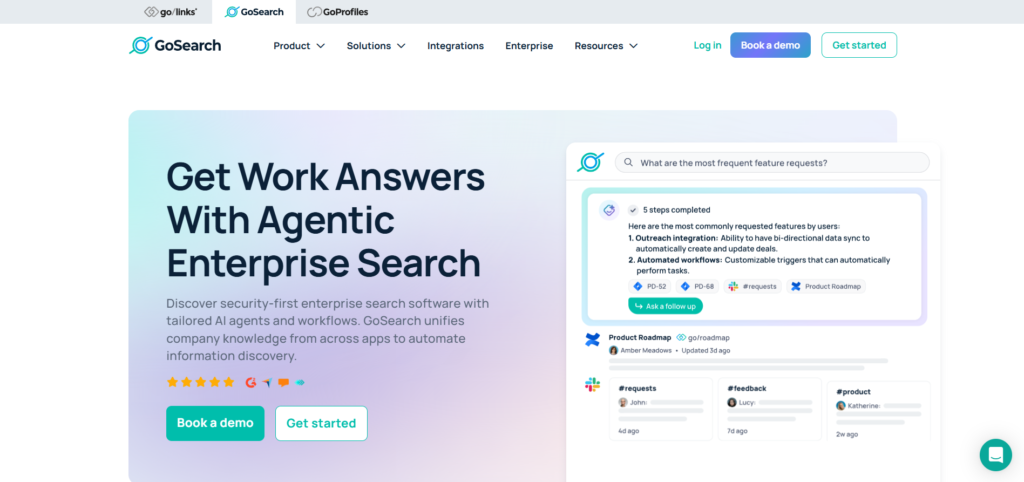
1. GoSearch – A Transparent, AI‑First Workplace Search Alternative
Why it’s on every “Glean alternatives” list
GoSearch appears repeatedly as a leading Glean competitor in specialist pricing analyses and “top 3 Glean alternatives” articles. It offers a similar value proposition—AI enterprise search, chat, and agents over 100+ workplace apps—but with far more transparent and flexible pricing.
Key capabilities
According to the vendor’s own pricing and product guides, GoSearch offers:
- Semantic enterprise search across 100+ tools (Slack, Google Drive, Jira, Notion, Confluence, etc.)
- Generative AI answers and chat, with citations back to original sources
- No‑code AI agents that can be configured to answer recurring questions or run tasks
- Free, Pro, and Enterprise tiers, with a true free plan for small pilots
- Options for BYO LLM and BYO cloud/on‑prem deployment at the enterprise tier
Pricing and tiers
G2 and vendor pricing pages show:
- Free plan at 0 USD/user/month with limited AI credits and personal connectors
- Paid tiers around 20–25 USD/user/month, plus an enterprise tier with volume discounts
Compared with common Glean estimates of 50+ USD/user/month plus extra support fees, GoSearch typically comes in at a substantially lower total cost of ownership.
Best fit
Choose GoSearch over Glean if:
- You want a self‑serve pilot or free tier before committing
- Transparent list pricing and lower per‑user costs matter
- You still need strong AI search, chat, and agents over many SaaS tools
2. Guru – Verified Knowledge Base + AI Search
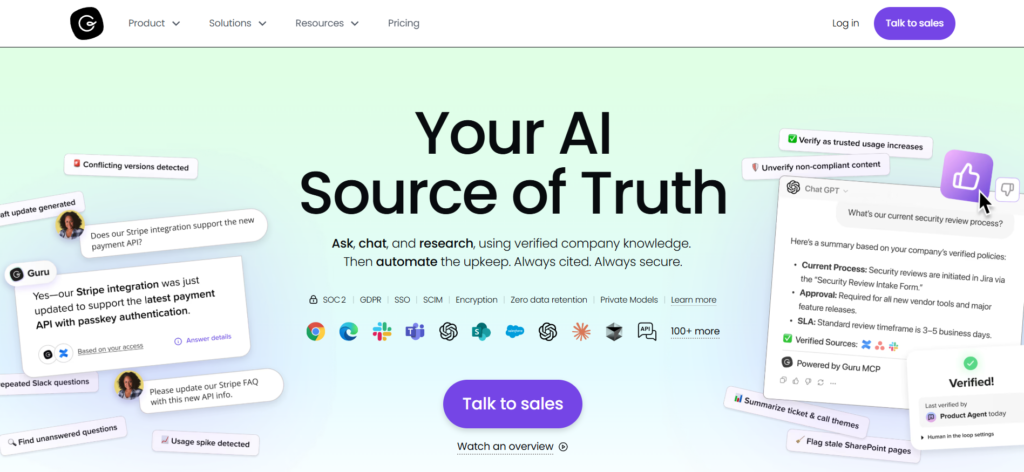
Guru started as a knowledge base but has evolved into an AI‑powered knowledge platform that competes directly with Glean on search and AI answers.
How Guru differs from Glean
Articles comparing Guru and Glean highlight some distinct design choices:
- Verified knowledge cards: Each piece of content has an owner and review cadence, so stale information is flagged and updated.
- Proactive delivery: “Knowledge triggers” can surface contextually relevant information in the browser or inside tools like Salesforce or Slack.
- Browser extension & in‑workflow access: Employees can capture and access knowledge without leaving the page they’re on.
- AI search and chat: Guru offers semantic search and AI answers with citations, similar to Glean, but layered over its verification model.
Pricing
Recent pricing guides and reviews describe Guru’s model as:
- Per‑user pricing, with a 10‑seat minimum on paid plans
- An “all‑in‑one” plan around 15 USD/user/month (higher if billed monthly)
- Enterprise plans with custom pricing and advanced security & analytics
Compared with Glean’s higher, more opaque pricing, many buyers view Guru as a more predictable, mid‑range option.
Best fit
Guru is a strong Glean alternative when:
- You care as much about content quality and verification as AI search
- A single, maintained source of truth is a priority
- You want AI answers, but also governance workflows around knowledge
3. Microsoft 365 Copilot – For Microsoft‑Centric Enterprises
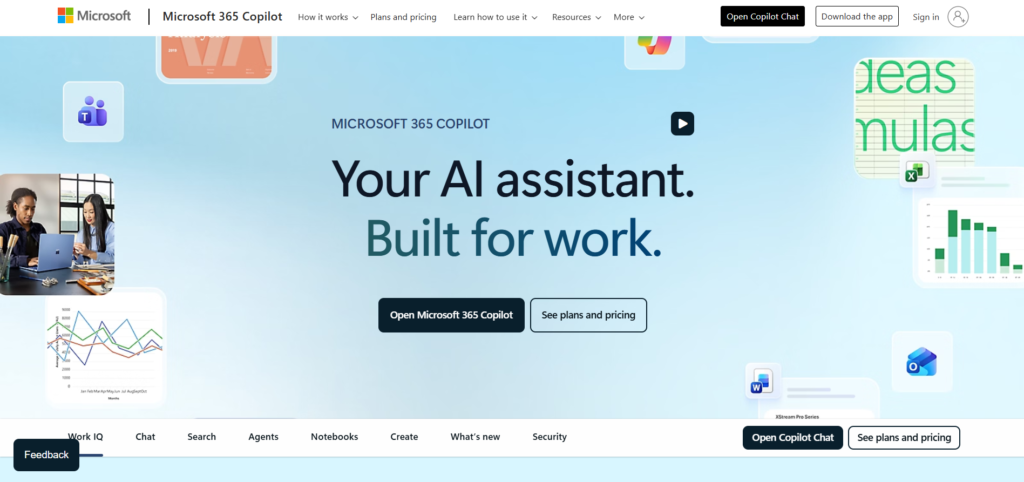
In several 2026 comparison guides, Microsoft (Graph + Copilot) is listed as a front‑runner among enterprise glean alternatives, particularly for organizations already standardized on Microsoft 365.
What it offers
- AI‑powered assistance and search across Word, Excel, PowerPoint, Outlook, Teams and more
- Deep grounding in the Microsoft Graph, which unifies emails, documents, calendar, chats, and other signals
- Enterprise‑grade security, permissions, and compliance inherited from Microsoft 365
Rather than a standalone enterprise search product, Copilot is an AI layer tightly embedded into the Microsoft productivity stack.
Pricing
Recent licensing guides detail that Copilot for Microsoft 365 is typically sold as an add‑on at 30 USD per user per month for eligible Business and Enterprise plans. That fee stacks on top of the underlying Microsoft 365 license the user already needs.
Best fit
Consider Microsoft 365 Copilot instead of Glean if:
- Most of your content already lives inside SharePoint, OneDrive, Teams, and Outlook
- You prefer a single‑vendor stack with Microsoft for security and procurement reasons
- You’re comfortable with Copilot’s add‑on pricing on top of existing M365 licenses
4. Google Cloud Search & Gemini Enterprise – The Google Workspace Route
For Google‑first organizations, Google Cloud Search and Gemini Enterprise consistently appear in “Glean alternatives” lists.
Core capabilities
Enterprise search buyers typically highlight:
- Search across Gmail, Drive, Docs, Sheets, Calendar and other Google Workspace content
- Machine‑learning ranking and relevance tuning built on Google’s search expertise
- Permission‑aware indexing, respecting Workspace ACLs
- Gemini Enterprise as a generative AI layer that can summarize and answer questions across Workspace content
Pricing is generally per user and tied to Google Workspace editions, with details depending on contract; public buyer guides describe it as a per‑user model that scales smoothly inside Workspace environments.
Best fit
Google Cloud Search / Gemini Enterprise works well when:
- Your company has already standardized on Google Workspace
- You need tight integration with Gmail and Drive more than 100+ external connectors
- Compliance and data residency requirements align with Google Cloud’s footprint
5. Computer by DevRev – Product & Support‑Centric Work AI
DevRev’s “Computer” product is another commonly cited Glean alternative, especially in 2026 guides focused on product‑led organizations.
Positioning vs. Glean
According to DevRev’s own comparison content:
- Computer emphasizes low‑friction pilots and faster setup compared with Glean’s heavier, sales‑driven proofs of concept.
- It focuses strongly on product, support, and customer context—linking tickets, product changes, documentation, and customer data.
- It provides AI‑assisted search and workflows designed around support and product teams rather than generalized enterprise knowledge alone.
Pricing is quote‑based rather than fully transparent on public pages, but the product is explicitly pitched as an alternative to Glean and Copilot for enterprises wanting a more product‑centric Work AI stack.
Best fit
Shortlist Computer if:
- Your primary “knowledge” lives in tickets, product backlogs, and customer records
- You want Work AI tuned for product and support workflows, not just generic intranet search
- Quick pilots and iterative rollout matter more than a massive upfront implementation
6. Remio – Personal and Team Knowledge Hub
Remio shows up in several “top 10 Glean alternatives” roundups as a lighter‑weight option focused on personal and small‑team knowledge management rather than heavy enterprise deployments.
Key points from recent comparisons
- Works as a personal knowledge hub with browser and desktop apps, indexing files, links, and notes in one place
- Better suited to individuals and small teams who want an AI‑powered search over their own workspace, not a full enterprise deployment
- Can be a stepping stone for teams that find Glean’s implementation and price tag overkill for their current scale
Remio is not a one‑for‑one Glean replacement for large enterprises, but it is a realistic alternative for small companies or departmental use cases that just need fast, AI‑driven search over a modest corpus.
7. Other Noteworthy Alternatives to Glean
Beyond the tools above, several other platforms frequently appear in Glean alternatives lists and enterprise search pricing guides:
- Coveo: AI‑driven search and recommendations, popular in ecommerce and customer support; subscription pricing tied to indexed items and query volume.
- Lucidworks: Enterprise search and discovery platform used in retail and knowledge management scenarios.
- Sinequa: Search and analytics for large, regulated enterprises (financial services, life sciences).
- Algolia: Developer‑centric search API, often used for customer‑facing search but increasingly in internal portals.
- Pinecone: Vector database for semantic search, often paired with custom LLM apps rather than as a turnkey enterprise search UI.
- GoLinks: Shortcut links and lightweight search to quickly access internal resources, often used alongside other search tools.
These options are most relevant if your team wants to build a custom search experience or if you’re solving a very specific search problem (e.g., ecommerce product discovery).
How to Choose the Right Glean Alternative
When comparing Glean to its competitors, a few practical questions help narrow the field:
1. Where does your knowledge live today?
- Microsoft 365–heavy? → Microsoft 365 Copilot is a natural fit.
- Google Workspace–centric? → Google Cloud Search + Gemini Enterprise is usually simpler than adding Glean.
- Fragmented across many SaaS tools? → GoSearch or Guru shine with broad connector libraries.
2. Do you need strict verification and governance?
- If “one trusted source of truth” is as important as AI search, Guru’s verification workflows (owners, expirations, review queues) may outweigh Glean’s broader Work AI scope.
3. How sensitive are you to per‑user pricing?
- High seat counts with many light users make Glean’s and Guru’s per‑user models expensive quickly.
- GoSearch’s free and lower‑priced tiers can reduce that pain for mixed usage patterns.
4. What kind of rollout do you want?
- If you want a small, free pilot with a handful of power users, GoSearch and Guru both offer trials or free tiers.
- If you’re comfortable with a larger, sales‑driven implementation and complex contracts, Glean or Microsoft/GCP ecosystems may be fine.
Example Scenario: Glean vs GoSearch vs Guru for a 200‑Person Team
To make this more concrete, imagine an organization with 200 knowledge workers:
- At an estimated 50 USD/user/month for Glean, that’s roughly 10,000 USD/month before support fees.
- With GoSearch Pro around 20–25 USD/user/month, the same 200 seats would be closer to 4,000–5,000 USD/month, with a free tier available for early pilots.
- Guru’s all‑in‑one plan around 15 USD/user/month would land near 3,000 USD/month, assuming all 200 users need full seats.
The exact numbers will vary based on discounts and contract terms, but this rough example explains why many teams treat cost and pricing transparency as major criteria when evaluating glean alternatives.
Frequently Asked Questions
Common reasons include pricing (high per‑user costs plus support fees), lack of a true free tier or low‑friction pilot, and a desire for tools that are either more tightly integrated with a specific ecosystem (Microsoft or Google) or more focused on verification and governance, as with Guru.
For Microsoft‑centric environments, Microsoft 365 Copilot is usually the first candidate because it grounds directly in the Microsoft Graph and integrates natively into Word, Excel, PowerPoint, Outlook, and Teams. Some organizations still layer a separate search tool on top if they rely heavily on non‑Microsoft systems, but Copilot covers a large portion of internal content for M365 customers.
Yes. GoSearch offers a genuine free tier plus Pro plans starting around 20–25 USD/user/month, with AI chat and semantic search included. Guru also provides trials and more mid‑range per‑user pricing compared with typical Glean quotes. These options make it easier to pilot with a small group before rolling out organization‑wide.
Glean focuses on unifying search, chat, and agents over many tools, using a knowledge graph to personalize results. Guru, by contrast, centers on a verified knowledge base with owners, review cycles, and proactive surfacing of information via a browser extension and integrations with Slack, Teams, and Salesforce. Organizations that care deeply about content governance often lean toward Guru; those wanting a broader Work AI fabric may opt for Glean or GoSearch.
For some tenants, yes. If almost all content is inside Microsoft 365 or Google Workspace, their native AI search and assistant layers (Copilot, Gemini Enterprise) can cover most use cases. However, if your knowledge spans dozens of SaaS apps and on‑prem systems, a dedicated enterprise search tool like GoSearch, Guru, or Glean usually provides broader connector coverage and more flexible administration.
In practice, successful buyers focus on three things:
Where their data actually lives (ecosystem fit)
Total cost of ownership (not just list price, but support, pilots, and internal rollout effort)
Change management and adoption (how quickly people can start getting reliable answers)
Comments